01
Make a sale
Open Sales, add an item and a customer, then post the invoice. Watch stock leave and the receivable appear.
Open CountsBook and click around a working book. No signup, no sales script — just the screens your team would use every day.
The demo opens in a new tab at demo.countsbook.com
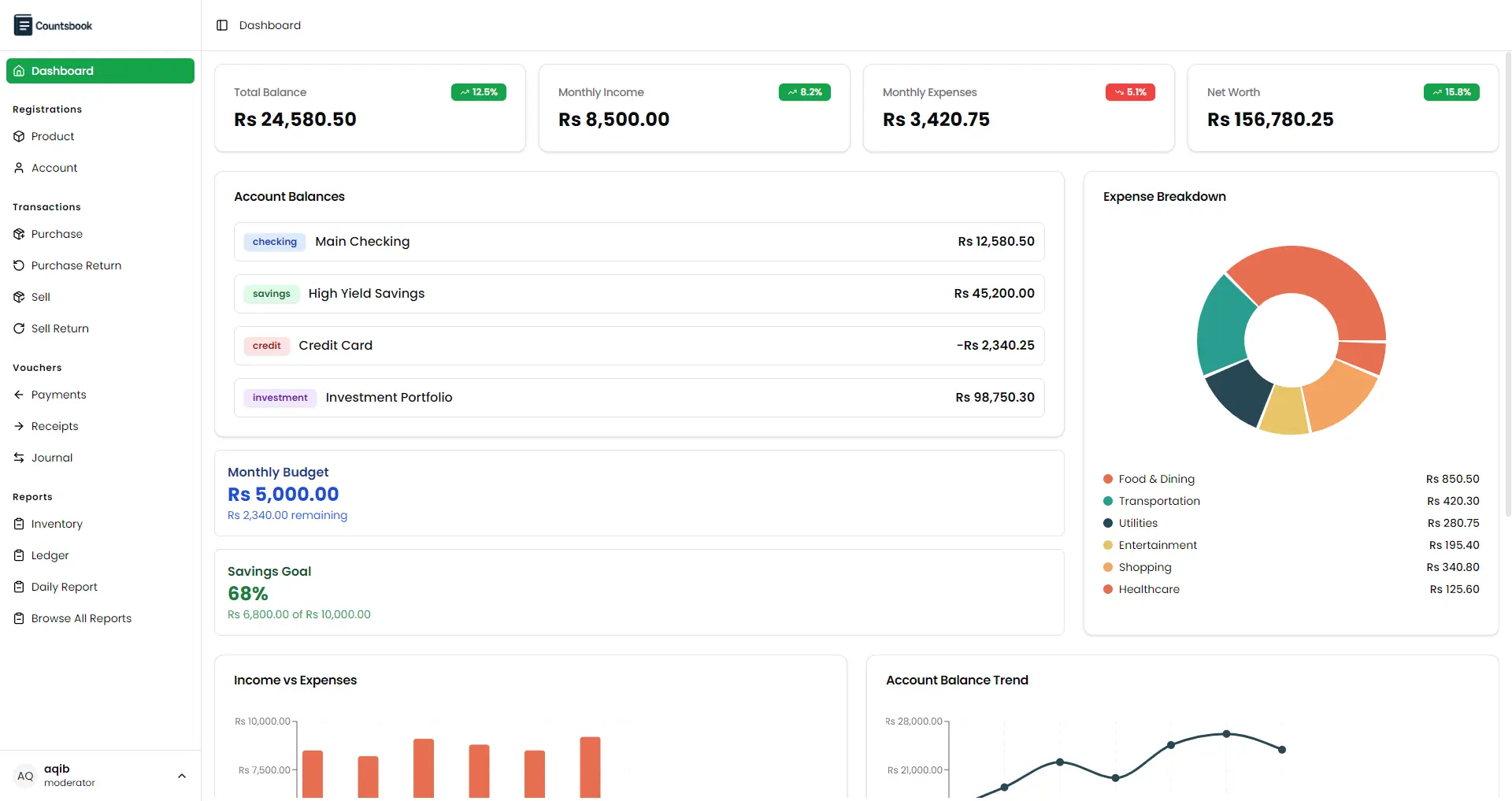
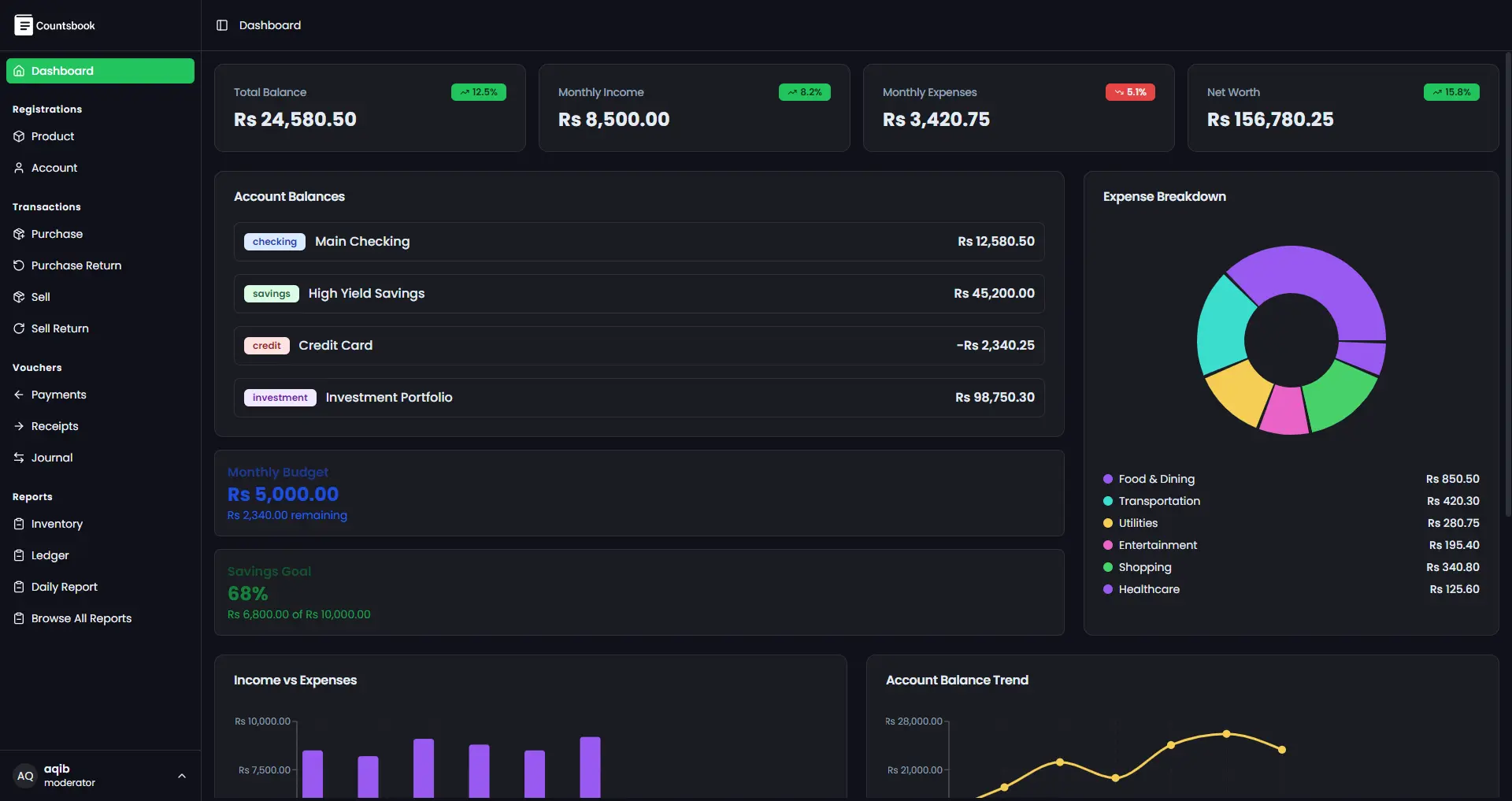
Follow the same path from the counter to the close. Every step lands in the same book, so nothing has to be reconciled twice.
Open Sales, add an item and a customer, then post the invoice. Watch stock leave and the receivable appear.
Add a supplier bill. Stock comes in and the supplier balance moves in the same entry.
Open Trips, add a route, vehicle and driver pay. Attach the paperwork to the trip.
Open the journal and walk from any balance back to the document that created it.
The point is not the clicks. It is that all four steps post to one book — stock, ledger and delivery trips included.
The fastest way to judge CountsBook is to use it against the work you already do.
Every screen is the product your team would use, not a cut-down tour.
Start with a sale, stop at the ledger, or click into reports. Nothing is gated behind a form.
Hit a question? Message us on WhatsApp and we will answer it against the same screens.
CountsBook is for trading businesses that buy, sell and move physical goods. It is not a restaurant POS or a GPS fleet tracker. If that is you, the demo will make sense quickly. See how the whole system fits together.
Prefer a guide?
Bring a stock list or a recent trip sheet. We will enter one document and follow it to the ledger, so you can judge the fit against your own work.
What we will cover
No slideshow. We use the same workspace you just opened.